
The 2025 Ultimate Guide to Finding the Best eSIM for International Travel
Why fumble with physical SIM cards and roaming fees when the best eSIM for international travel lets you switch networks in seconds? A single digital profile replaces plastic, giving you instant connectivity across dozens of countries without ever touching a SIM tray. You can compare plans, buy, and activate before you leave, then simply scan a QR code to get online. This is the simplest, most flexible way to stay connected—true freedom for global travelers.
What Makes a Travel eSIM Worth Your Money
A travel eSIM earns its cost when transparent pricing and instant connectivity align with your actual itinerary. Worth your money means paying a flat rate for a data package that covers every country you visit—no surprise roaming fees or hidden daily caps. The best eSIM for international travel offers a local IP address or reliable partner networks, ensuring stable speeds in airports, rural areas, and congested cities. It becomes valuable when setup takes under two minutes via QR code, with no physical SIM swap, and when you can top up mid-trip from an app without losing service.
If you stay connected in dead zones and never overpay for unused megabytes, that eSIM justifies its price.
Also, a worthwhile plan lets you monitor usage in real time, so you control costs, not the carrier.
Coverage reach vs. actual network speeds in multiple countries
A massive coverage map means little if you’re stuck on throttled 3G in a busy city. When comparing travel eSIMs, check whether the provider uses primary network partners in each country rather than roaming fallbacks—this directly impacts whether you get speedy 5G or sluggish data. In Japan, for example, one eSIM might show full bars but deliver dial-up-like speeds during peak hours, while another taps a local carrier’s fast lane. *A country’s advertised LTE coverage often hides congestion at tourist hotspots, so read recent speed tests for those exact cities.* Always prioritize providers that list actual Mbps expectations per region, not just “global coverage” badges. The best eSIM balances broad reach with realistic speed tiers, because a dead-zone-free map is useless if your uploads crawl.
Data-only plans vs. plans with a voice number—which do you need

When comparing travel eSIMs, the core decision is data-only plans vs. plans with a voice number. A data-only eSIM suits users who rely on WhatsApp, FaceTime, or Google Voice for calls, since these apps bypass traditional telephony and only consume data. However, if you must receive SMS verification codes for banking or booking confirmations, a voice-number plan is essential, as many services refuse to text VoIP numbers. Conversely, a voice number adds monthly cost and battery drain from network registration, yet it provides a fallback for calling local taxis or restaurants that lack apps. For short trips with heavy app usage, data-only wins; for longer stays requiring local contact, the voice plan pays off.
Choose data-only for app-based communication and savings; choose a voice number only if you need direct calls or SMS verification codes.
Hidden costs like top-up fees and expiry windows
The cheapest upfront price often masks the real cost, so scrutinize hidden eSIM charges like top-up fees before committing. A data package that seems affordable can balloon when providers slap fees on every small refill, making frequent travelers pay more than a premium plan. Equally critical are expiry windows; an eSIM that dies after seven days forces you into another minimum purchase, effectively doubling your spend for a two-week trip. To ensure every dollar counts, select a provider with transparent, minimal or zero top-up charges and flexible validity periods that align with your actual travel dates. Otherwise, you are not saving money—you are simply deferring the expense to a less convenient, more costly moment.
How to Match an eSIM to Your Specific Trip Style
For city-hopping foodies who bounce between cafés and metro maps, prioritize a regional eSIM with generous BazTel daily data—say, 5GB across Europe—so you can stream navigation without throttling. Adventure trekkers, however, should hunt for a global plan with multi-country coverage and pay-as-you-go top-ups, since you’ll spend days offline in valleys where a single-country SIM fails. Business travelers need hotspot capability and voicemail support; check the provider’s app for instant plan switching mid-trip. Weekend warriors on a budget can grab a short-term, low-data package—just verify the validity window matches your return flight. **Q: What’s the fastest way to pick? A: List your three core activities (maps, streaming, calls), then filter eSIMs by data cap and coverage map before buying.** Always download the eSIM before departure to ensure activation on arrival.
Short-hop city breaks vs. month-long backpacking routes

For short-hop city breaks, prioritize a regional eSIM with a short validity window (7–10 days) and generous daily data caps, since you’ll burn through maps, transit apps, and food photos across multiple countries in one week. For month-long backpacking routes, chase provider longevity and top-up flexibility instead—a 30-day plan with low-speed throttling after a cap beats a flashy high-speed allowance that dies in week two. The savvy backpacker buys a plan with app-based recharging, while the city hopper locks in flat-rate roaming before landing. A regional pass suits the hopper’s three capitals in five days; a single-country, renewable plan suits the trekker’s slow drift through one nation.
Heavy streamers and remote workers: finding unlimited or high-capacity data
For heavy streamers and remote workers, the hunt for an eSIM isn’t about a few gigabytes—it’s about **unlimited or high-capacity data plans** that survive a 4K movie marathon or a 12-hour video call without throttling. Prioritize providers offering 20GB, 50GB, or truly unlimited daily allowances, especially when tethering for work. Check the “fair use” policy; some “unlimited” plans slow to dial-up speeds after 30GB. Regional plans (like Europe-wide) often beat country-specific ones for border-hopping creators. Always toggle off background app refresh on your device to stretch every gigabyte further, and download offline content during off-peak hours.
Q: What’s the safest choice for a remote worker who edits videos daily?
A: Pick a regional eSIM with a 50GB+ monthly cap and a clear throttle threshold—unlimited “daily” plans from brands like Holafly or Airalo work, but verify if 4K streaming counts against the cap before committing.
Regional passes vs. global plans—when one beats the other
A regional pass wins when your itinerary clusters within one zone, like Europe’s Schengen area or Southeast Asia—covering multiple countries with one price per day, often undercutting global per-GB rates. A global plan beats regional passes when you cross continents mid-trip (e.g., Japan to Brazil) or need a single number for emergency roaming. The decision sequence: map every destination, count total days, then compare per-day costs—if your travel spans three or more regions, global wins; if you stay put in one zone, regional kills it. For short, multi-country hops, regional’s coverage pooling avoids global’s higher base fee. Use regional for 1–2 regions, global for 3+.
Step-by-Step: Setting Up Your Travel eSIM Before You Fly
To ensure seamless connectivity with the best eSIM for international travel, configure it before departure. First, verify your phone is unlocked and supports eSIM profiles—most recent flagships do. Purchase a plan from a top-tier provider like Airalo or Holafly, choosing a regional package that matches your itinerary. Next, scan the QR code or manually enter the activation details in your device’s cellular settings; do this while still on Wi-Fi to avoid consuming guest data. Label the new line (e.g., “Travel”) and set it as default for data, but keep your home SIM active for calls. Finally, toggle off automatic network selection and manually pick a local carrier after landing—this prevents roaming charges and ensures you’re on the fastest tower. Test your connection at the airport before moving deep into the city.
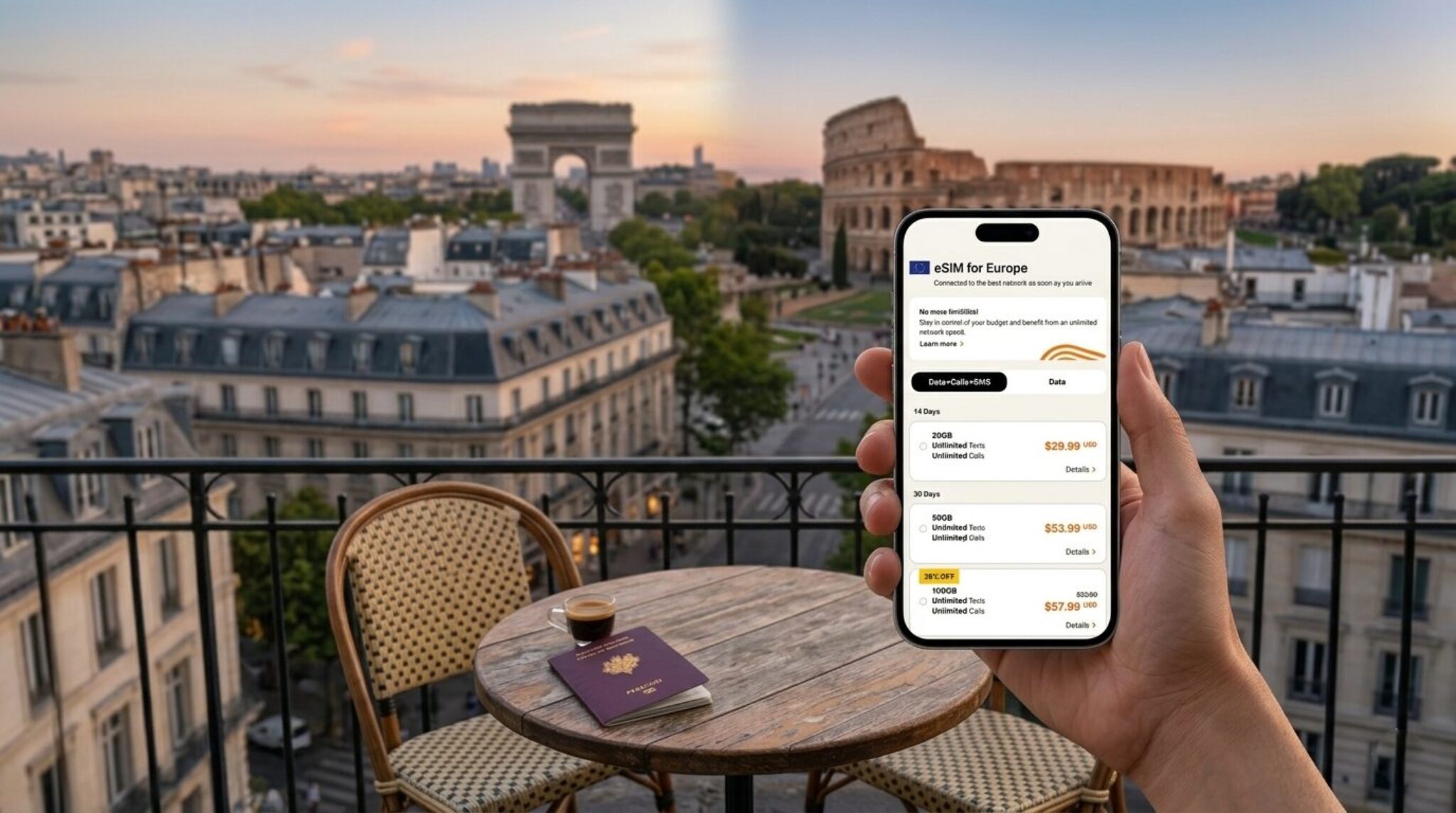
The critical step is downloading and installing the eSIM profile while still at home; doing it abroad risks a dead zone with no internet to receive the activation email.
Checking phone compatibility and carrier lock status

Before purchasing the best eSIM for international travel, verify your phone’s compatibility by checking if it is eSIM-enabled—typically found in settings under “Cellular” or “Mobile Data” for recent iPhone and Pixel models. Next, confirm the device is carrier-unlocked; a locked phone restricts eSIM activation to your original provider, so contact them to request an unlock code or permanent removal. Test by inserting a foreign SIM or scanning a QR code from an eSIM provider during a trial period, ensuring the IMEI is not blacklisted. This prevents last-minute setup failures at your departure gate.
- Navigate to Settings → General → About to confirm “Carrier Lock” shows “No SIM restrictions.”
- Check manufacturer’s official list of eSIM-supported models, as some region-specific versions lack the hardware.
- Use a free eSIM trial from providers like Airalo to validate activation logic before travel.
Installing the profile and activating it at the right moment
Once you purchase a travel eSIM, install the profile before departure while you still have Wi‑Fi, as the QR code or manual activation link requires a stable connection. After installation, the profile sits dormant until you toggle cellular data on; activate it at the right moment—ideally after landing, when your device disconnects from domestic networks, to avoid accidental roaming triggers mid‑flight. On iPhone, set “Data Roaming” on for that eSIM; on Android, ensure the profile is the default for mobile data. If activation fails, restart the device or manually select a local network. This sequence prevents billing surprises and ensures seamless connectivity at arrival.
Q: Should I activate the travel eSIM before boarding to guarantee it works? A: No—activating it while airborne can latch onto offshore networks, causing immediate charges. Install the profile early, but flip the data switch only after landing.
Switching between your home SIM and travel eSIM without losing calls
To avoid missing calls while juggling your home SIM and travel eSIM, set your phone to use the home SIM for voice calls and the travel eSIM for data. On iPhone, enable “Allow Cellular Data Switching” so calls route seamlessly when one network weakens. On Android, assign your default calling line to the home SIM, then keep the eSIM active for internet—this prevents dropped connections during switching. If your phone supports dual SIM dual standby, both lines stay reachable, but disable call forwarding between them to prevent fees. Test a quick call before flying to confirm your settings hold through the network transition.
Comparing the Top Travel eSIM Brands on Real-World Performance
When comparing the top travel eSIM brands on real-world performance, the decisive factor is consistent throughput in dense urban hubs versus remote regions. Airalo often excels in coverage breadth but can throttle video streaming during peak hours, while Holafly’s unlimited plans shine for heavy navigators, though latency spikes on congested local networks. Ubigi delivers the steadiest download speeds on major European rail routes, and Nomad’s dynamic switching between partner towers minimizes dead zones in mountainous terrain. For a frequent traveler, prioritize brands that use primary carrier backbones—these maintain 4G/5G stability even when roaming. Do not rely solely on advertised speeds; test the eSIM’s real-time ping with a speedtest app before committing to long journeys. Q: Which brand handles subway tunnels best? A: Nomad, thanks to aggressive tower handoffs, though Ubigi matches it in Japan’s metro systems.
Latency and throttling behavior in popular destinations like Europe and Asia
In Europe, where most premium eSIMs route through local towers, latency often sits below 30ms, making video calls and live navigation feel instant. Asia tells a different story: budget brands frequently fall back to distant servers in Hong Kong or Singapore, dragging ping above 100ms and stalling real-time gaming. Throttling behavior also diverges sharply—while European carriers typically offer steady 4K streaming speeds, Asian networks commonly slash throughput after 1–2GB daily, dropping from 30Mbps to a frustrating 2Mbps. This makes latency and throttling behavior in popular destinations like Europe and Asia the deciding factor: for seamless connectivity, prioritize local-network partnerships over cheap global roaming plans.
Customer support response times when you land and data fails
When your eSIM fails right after landing, live chat response times for urgent connectivity issues are the decisive factor. Airalo’s support often answers within 2–5 minutes during peak hours, but troubleshooting can require back-and-forth that stretches past 15 minutes. Holafly’s 24/7 WhatsApp line typically responds in under 3 minutes, yet data-fix escalations may take longer if they must reprovision your profile. Ubigi’s email-only ticket system is slow, with initial replies up to 8 hours—unusable if you’re stranded at baggage claim. Nomad offers a hybrid: chatbots triage instantly but human agents average 10–12 minutes. For real-world failures, prioritize brands with phone or WhatsApp lines, and always screenshot error codes before contacting support.
Refund and money-back policies if your device or trip changes
When your itinerary shifts or you switch phones mid-trip, refund policies become the decisive factor among top eSIM brands. Airalo typically offers store credit rather than cash refunds for unused data, which helps if you rebook soon but fails if you abandon travel entirely. Holafly’s money-back guarantee applies only to connectivity failures, not plan cancellations, so a device change that renders your eSIM incompatible may leave you uncompensated. **Nomad stands out with clear refund timelines for unused plans**, though activation deadlines can void eligibility. Before purchasing, verify whether refunds require unactivated eSIMs and how the brand handles device-swap reissuance fees.
Q: If my phone breaks before departure, can I get a refund under these policies?
A: Only if the eSIM remains unactivated and you request within the brand’s window—Airalo gives 24 hours, Nomad seven days, while Holafly rarely refunds device-change scenarios. Always screenshot the policy at checkout, as terms often change with promo codes.

Practical Tips to Avoid Data Drains and Overcharges While Roaming
To avoid data drains and overcharges while roaming, treat your eSIM’s data plan like a finite budget. First, disable automatic app refreshes and background syncing in your phone’s settings before you land, as these silently consume megabytes. Activate data roaming controls specifically for your eSIM, and switch your device to Wi-Fi whenever possible—use offline maps and downloaded content for navigation and entertainment. Monitor your usage through the carrier’s app or native tracker, and set a hard alert at 50% and 90% of your allotted data. For heavy users, choose a best eSIM for international travel that offers a top-up option rather than auto-renewing expensive pass bundles, which often trigger shock bills. Finally, turn off iMessage and WhatsApp auto-download of photos and videos, limiting media to manual pulls only.
Disabling background app refresh and auto-downloads on foreign networks
Before you even land, disable background app refresh and auto-downloads when connected to a foreign network—this is the fastest way to protect your eSIM’s data allowance. On iOS, go to Settings > General > Background App Refresh and select “Off” or “Wi-Fi” only; on Android, restrict background data per app under Settings > Network & Internet > Data usage. For auto-downloads, disable app store updates (both automatic and over cellular), podcast downloads, and cloud photo sync. To lock this down effectively, follow this sequence:
- Switch your phone to Airplane Mode immediately after touchdown, before disabling Wi-Fi and activating your eSIM.
- Then, turn off Background App Refresh globally and revoke it for data-hungry apps like email, social media, and maps.
- Finally, set all media and software updates to “manual only” so nothing downloads over the roaming network.
This ensures that roaming data consumption is strictly user-initiated, preventing silent bytes from draining your plan while you navigate abroad.
Using Wi-Fi calling and offline maps to stretch your gigabyte allowance
Pairing Wi-Fi calling with offline maps directly reduces the strain on your eSIM’s data pool, as calls placed over hotel or café networks bypass your roaming allowance entirely. Before departing, download the offline regions for your destination in Google Maps or Apple Maps, then switch the app to offline-only mode to prevent background updates from sipping megabytes. This combination is especially effective for navigation-heavy trips, where real-time map tiles can consume 5–10 MB per hour. Offline maps do not update live traffic conditions, so pre-load alternate routes for critical transfers if you rely on turn-by-turn directions. Enable Wi-Fi calling in your phone’s settings specifically for indoor venues, where cellular signals often trigger aggressive network searches. By offloading voice calls and map queries to free connections, you preserve your eSIM’s gigabytes for essential data tasks.
- Toggle Wi-Fi calling to “On” before leaving home—it activates automatically when connected to any trusted network abroad.
- Download offline maps for each city you’ll visit, not just the airport, to avoid partial coverage gaps.
- Set map updates to “manual” in settings so the app never auto-refreshes tiles through your cellular connection.
Monitoring usage in real time and buying add-ons before you run out
To avoid unexpected cutoffs, check your eSIM’s companion app or dashboard for real-time roaming data usage, which typically updates within minutes of each session. Set low-balance alerts, then purchase a top-up add-on before your current plan expires—most providers allow instant recharges, but some require prepaid credits or a new activation code. For multi-country trips, monitor per-country consumption separately, since rates vary. If your plan lacks a live meter, track data manually via your phone’s built-in usage tracker and correlate it with your eSIM’s stated allowance. Always buy a small add-on at 80% usage rather than waiting for the hard cap, as overage charges often exceed the add-on price.
